
4K vs. 1080p
Which Is Right for Your Production Workflow?
Most decisions about 4K start with a simple assumption: higher resolution means better quality. But in live production, that assumption often breaks down quickly.
Resolution is only one part of the system. Bandwidth, signal infrastructure, processing load, and even how the audience consumes the content all play a bigger role in whether 4K actually improves the final output.
This guide breaks down what actually changes between 4K and 1080p in real live production environments — and when higher resolution is worth the trade-off.
The Math Behind the Pixels
Before comparing how 4K and 1080p perform in production, it helps to be precise about what the numbers actually mean — and where the gap between them is bigger than most people assume.

1080p, also called Full HD, measures 1920×1080 pixels — that's 1920 × 1080 = 2,073,600 pixels per frame, roughly 2.07 million.
4K, or Ultra HD, measures 3840×2160 pixels — 3840 × 2160 = 8,294,400 pixels per frame, approximately 8.29 million.
Since both the width and height double from 1080p to 4K, it's tempting to call 4K "twice the resolution." In terms of actual pixel data, that's misleading: doubling both dimensions doesn't double the pixel count — it quadruples it. 4K isn't twice the image data of 1080p. It's four times.
That distinction matters beyond storage and bandwidth. Every additional pixel has to be captured, processed, compressed, transmitted, and decoded somewhere downstream — by the camera sensor, the switcher, the network, and the viewer's device.
Resolution vs. Bitrate:
The Distinction Most People Miss
Here's something that surprises a lot of people: two videos can have the exact same resolution and look completely different in quality. The reason comes down to bitrate — and understanding this one distinction will change how you think about the whole 4K vs. 1080p debate.
Think of it like this. Imagine you're describing a painting to someone over the phone. If you have an hour to describe it, you can capture every brushstroke, every shade of color, every fine detail. If you only have five minutes, you'll hit the broad strokes but lose a lot of nuance. The painting hasn't changed — but how accurately it gets communicated has.

High Bitrate

Low Bitrate
Bitrate works the same way. It's the amount of data used to encode each second of video. A higher bitrate means more data is allocated to preserve detail, handle motion cleanly, and maintain color accuracy. A lower bitrate compresses the image more aggressively — and that compression shows up as blurring, color smearing, or a "blocky" look in fast-moving scenes.
This is why a well-encoded 1080p stream can look noticeably sharper and cleaner than a poorly encoded 4K one. The 4K image has more pixels on paper, but if the encoder doesn't have enough data to represent them properly, those extra pixels end up carrying compressed, degraded information — not genuine additional detail.
In live production, this comes up more often than people expect. A team upgrades to 4K but their upload bandwidth or streaming platform settings can't support the higher bitrate 4K actually needs. The resolution goes up. The visible quality doesn't.
Resolution matters — but it's only half the equation. Bitrate is the other half, and it's the one that gets overlooked most often.
The Bandwidth Reality:
What 4K Actually Costs
Choosing 4K isn't just a camera decision — it affects everything your signal passes through before it reaches the viewer. And the biggest practical constraint most teams run into isn't the camera. It's bandwidth.
Here's a rough sense of what each resolution actually demands:
• A typical 1080p live stream runs at around 5–8 Mbps for a watchable, professional-looking output
• A 4K live stream needs roughly 20–35 Mbps to look genuinely better than 1080p — not just have more pixels
That's four to five times the upload speed, sustained, for the entire duration of the broadcast. On a stable office or studio connection, that's manageable. On a venue Wi-Fi, a 4G hotspot, or a location shoot where you don't control the network, it's a real risk.
The same gap applies inside your production infrastructure. Transmitting 1080p video over a network using NDI — a common standard for sending video between devices over ethernet — typically uses around 100–150 Mbps per stream. The 4K equivalent jumps to roughly 250–300 Mbps. A standard gigabit network connection can handle that for one or two cameras, but add more sources, monitors, and return feeds, and you'll start running into bottlenecks quickly.
The point isn't that 4K is impractical — it's that 4K has infrastructure requirements that 1080p doesn't. Before committing to a 4K workflow, the honest question to ask is: does every part of my signal chain — cameras, cables, switcher, network, and upload connection — actually support this? If any link in that chain doesn't, the extra resolution doesn't make it to the viewer anyway.
Where 4K Actually Makes a Visible Difference
After all the caveats around bandwidth and infrastructure, it's worth being clear: 4K does make a genuine difference in the right conditions. The key word is "conditions." Here's where the upgrade actually shows up on screen.
Large screens and close viewing distances

The most straightforward case for 4K is also the most obvious one: big displays, viewed up close. On a 65-inch screen across the room, most people can't reliably tell 4K from 1080p. On a large LED wall at the front of a conference room, or a monitor that presenters stand directly in front of, the difference becomes visible. If your content regularly ends up on screens larger than 55 inches and your audience sits within a few meters of them, 4K earns its keep.
Post-production flexibility
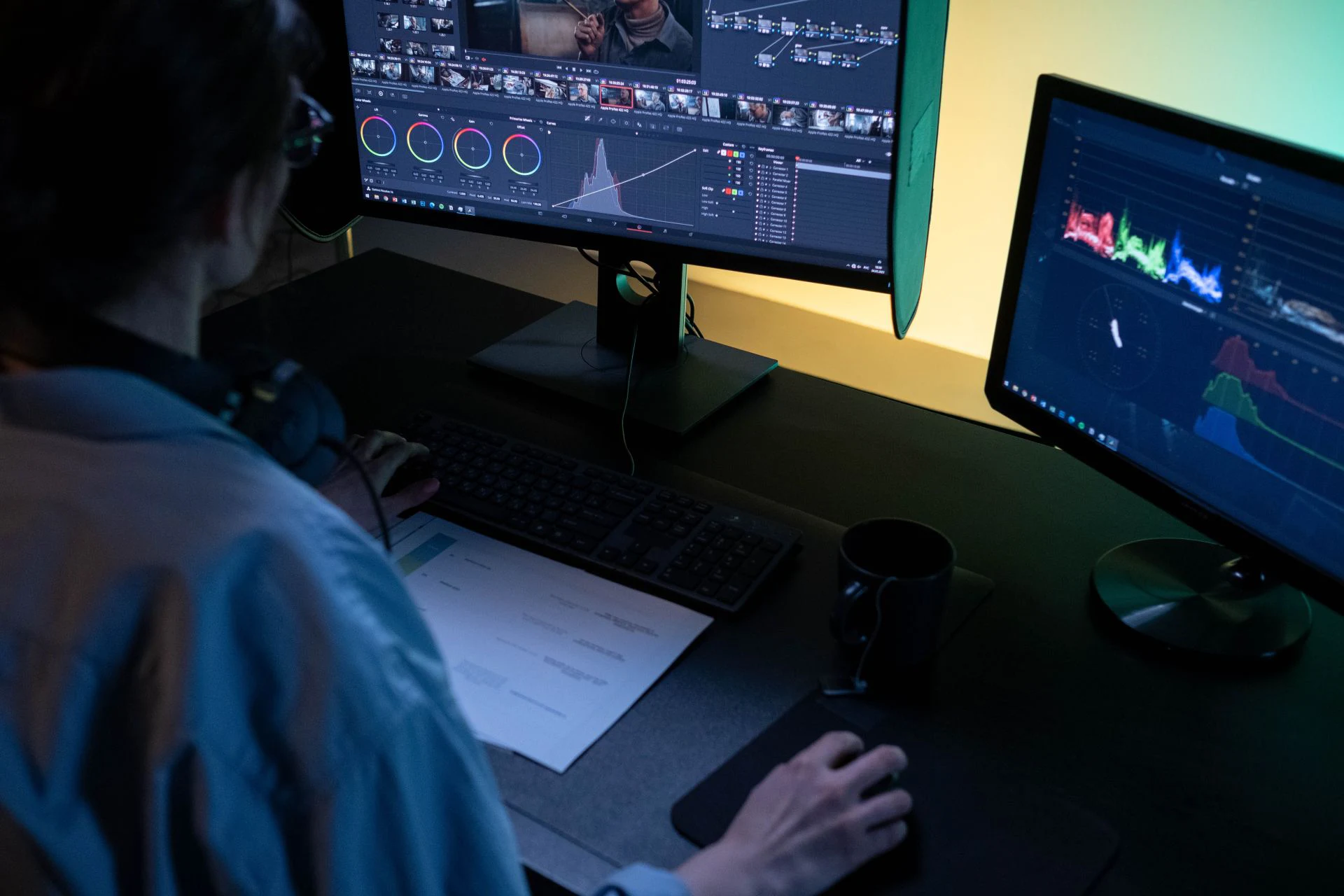
This is one of the most practical arguments for shooting 4K even when your final output is 1080p. A 4K frame is wide enough that you can crop into it significantly and still have full 1080p resolution left over. That means you can reframe a shot in post, punch in on a detail, or turn a wide horizontal shot into a vertical one for social media — all without losing quality. Shoot in 1080p and the same crop leaves you with noticeably softer footage.
Platform encoding advantages

Uploading 4K to platforms like YouTube gives you a less obvious but real benefit: the platform allocates a higher bitrate to 4K source files, even when viewers watch at 1080p. That means a video uploaded as 4K and viewed at 1080p often looks better than the same video uploaded natively at 1080p — sharper, with fewer compression artifacts. For teams producing content for YouTube, this alone can be a reason to shoot 4K even without a 4K delivery requirement.
Long-term archiving
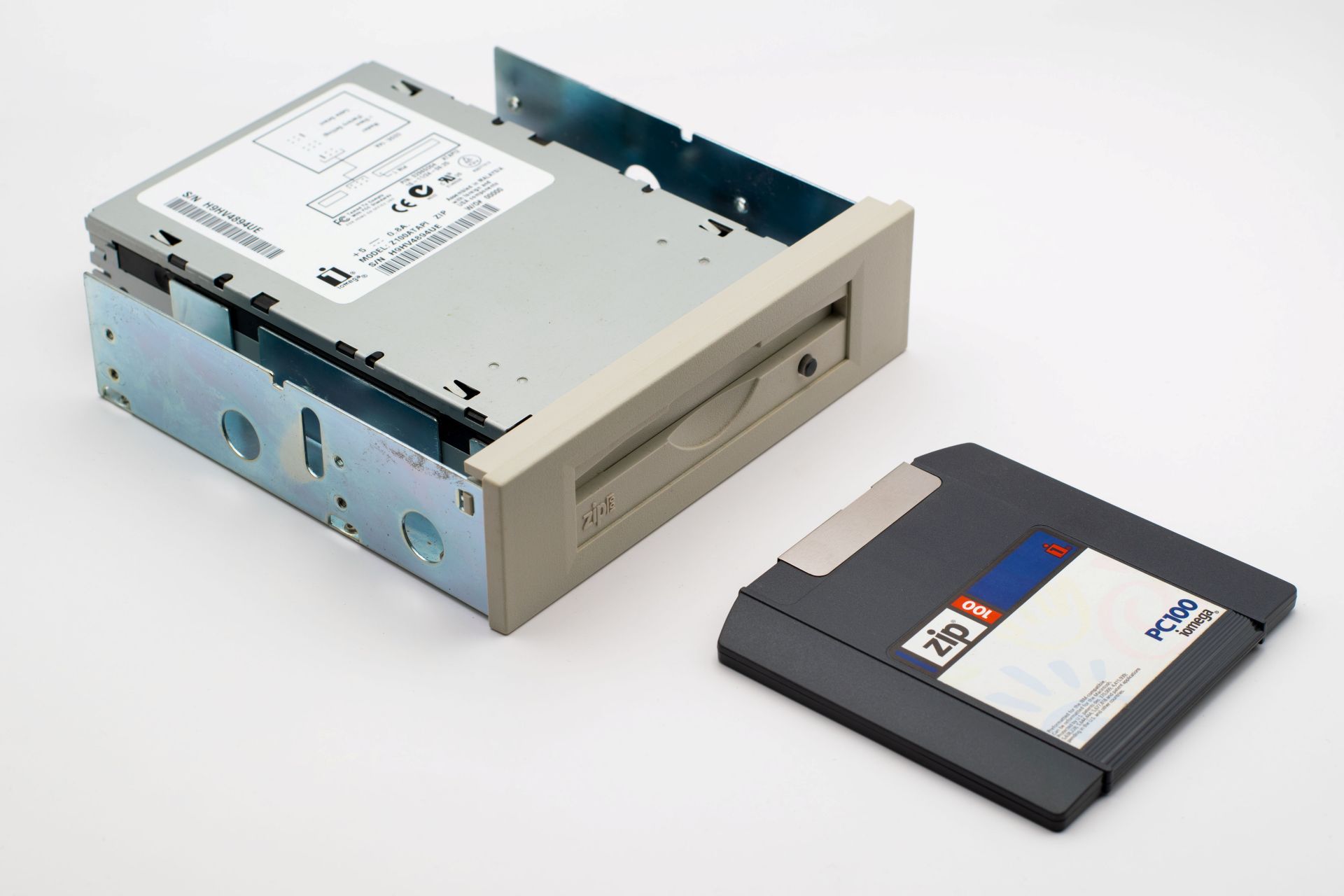
If you're recording content that has a long shelf life — training videos, event recordings, documentary material — shooting in 4K means the footage stays usable as display technology improves. Content shot in 1080p five years ago is already starting to look dated on modern screens. The same content shot in 4K has more room to age gracefully.
Where 1080p Is Still the Smarter Choice
4K gets most of the attention, but for a significant portion of live production work, 1080p isn't a compromise — it's the more sensible decision. Here's when sticking with it makes more sense than upgrading.
01 / AUDIENCE FOCUS
Most of your audience watches on a phone
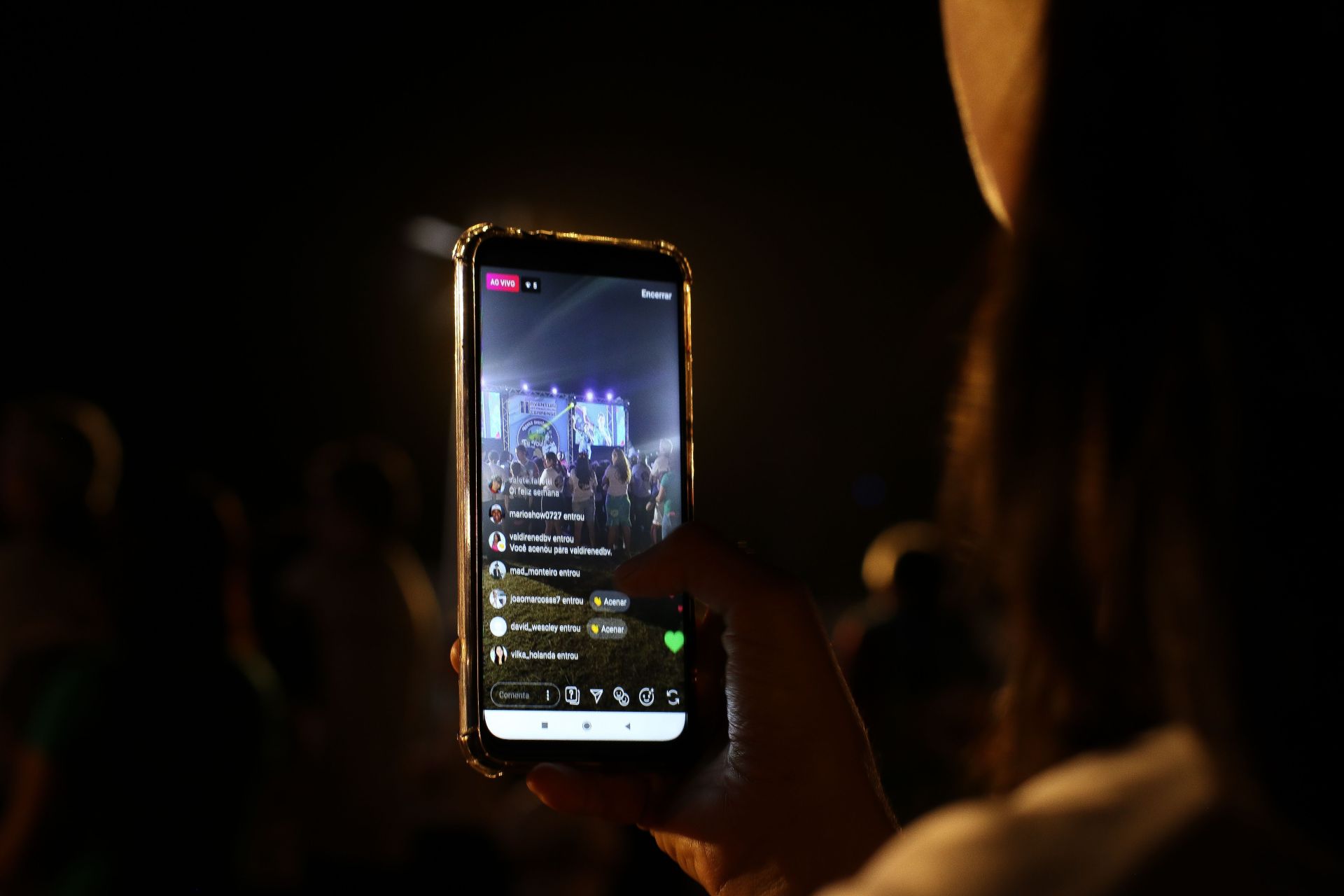
This is the single most underrated argument for 1080p in live production. The majority of live stream viewers are watching on a smartphone screen that's five or six inches across. At that size, and at typical phone-to-face distances, 4K is physically invisible — the display simply can't render the difference. Delivering 4K to a mobile audience costs you significantly more in bandwidth and infrastructure for a quality improvement that doesn't exist on their end.
02 / INFRASTRUCTURE
Your network isn't guaranteed
Live production doesn't always happen in a controlled environment with a dedicated fiber connection. Churches, corporate events, and location shoots often rely on venue Wi-Fi or mobile data — connections that can fluctuate mid-broadcast. A stable 1080p stream that never drops is a better viewer experience than a 4K stream that buffers every few minutes. Reliability matters more than resolution when you're live and can't call a retake.

03 / LOGISTICS
Storage and editing add up fast
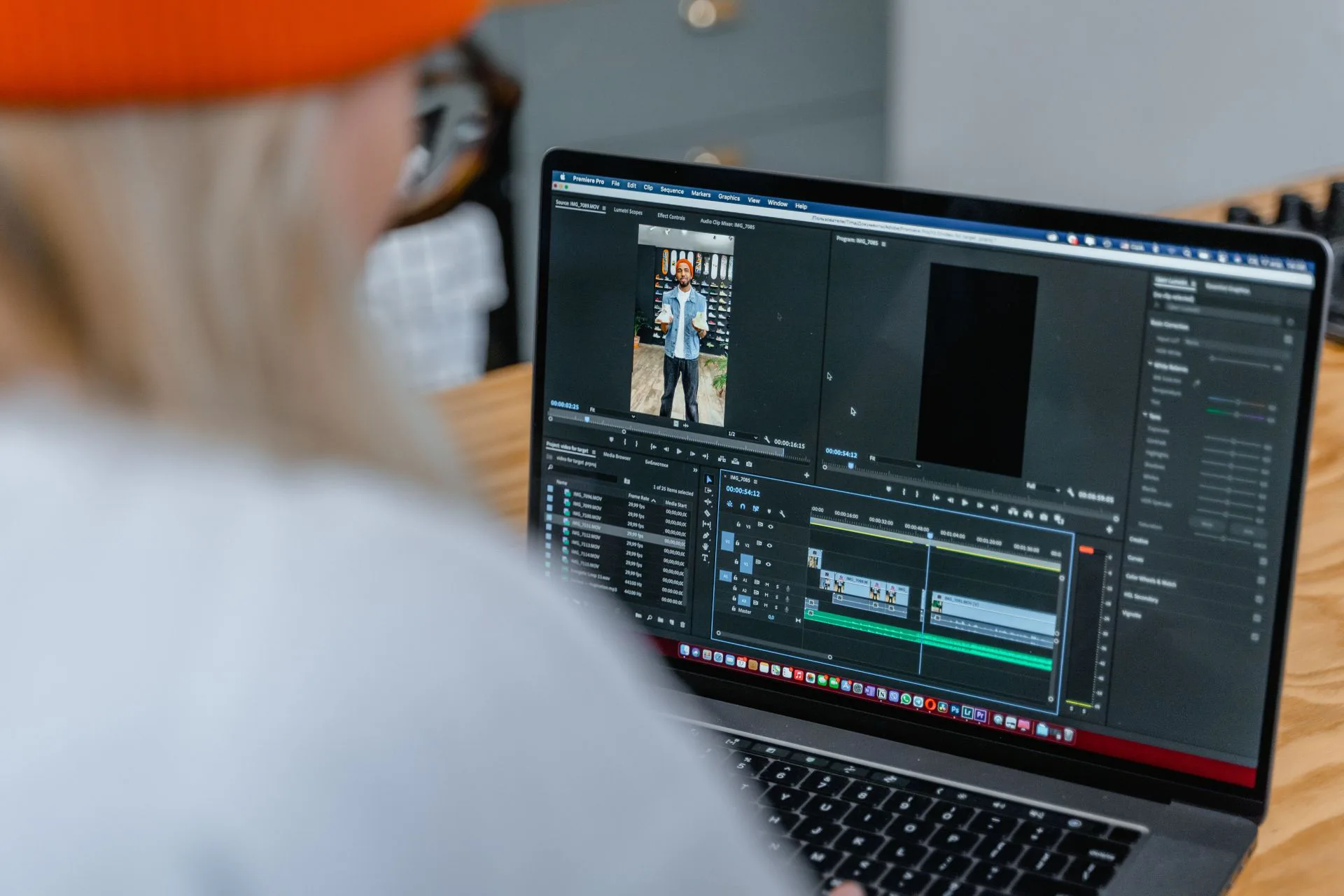
4K files are roughly four times the size of 1080p files at the same frame rate. For a team doing regular recordings — weekly services, ongoing training sessions, frequent events — that difference accumulates quickly in storage costs and backup requirements. Editing 4K also demands significantly more from your computer: faster processors, more RAM, and often a dedicated GPU just to play back footage smoothly. For smaller teams without dedicated editing hardware, 1080p keeps the post-production workflow manageable.
04 / STRATEGY
Budget is better spent elsewhere
If the choice is between a 4K camera with a basic lens and lighting setup, or a 1080p camera with money left over for better audio, proper lighting, and a more experienced operator — the 1080p setup will almost always produce content that looks and feels more professional. Resolution is visible. Bad audio, flat lighting, and shaky framing are more visible. For teams working within real budget constraints, the 4K premium often delivers less value than investing that money in the fundamentals.

Real-World Scenarios:
When to Stay 1080p vs. When to Go 4K
The right resolution for your production isn't a universal answer — it depends on what you're producing, who's watching, and how the content gets delivered. Here's how the decision plays out across the most common live production contexts.


1. Esports and Sports Broadcasting
For fast-moving content, smoothness matters more than sharpness. A 1080p stream at 60 or even 120 frames per second will look dramatically better for live sports or competitive gaming than 4K at 30 frames per second — fast-moving subjects blur and smear at lower frame rates, and that's what the audience actually notices. On the technical side, a stable 1080p60 stream is manageable at around 6–9 Mbps. Pushing to 4K60 can spike that requirement to 25 Mbps or more, and also increases the delay between what happens on the field and what appears on screen. Unless you're feeding a large stadium display that genuinely needs every pixel, that bandwidth is better spent keeping the stream smooth and fast.

2. Large-Scale Live Events and Broadcast Production
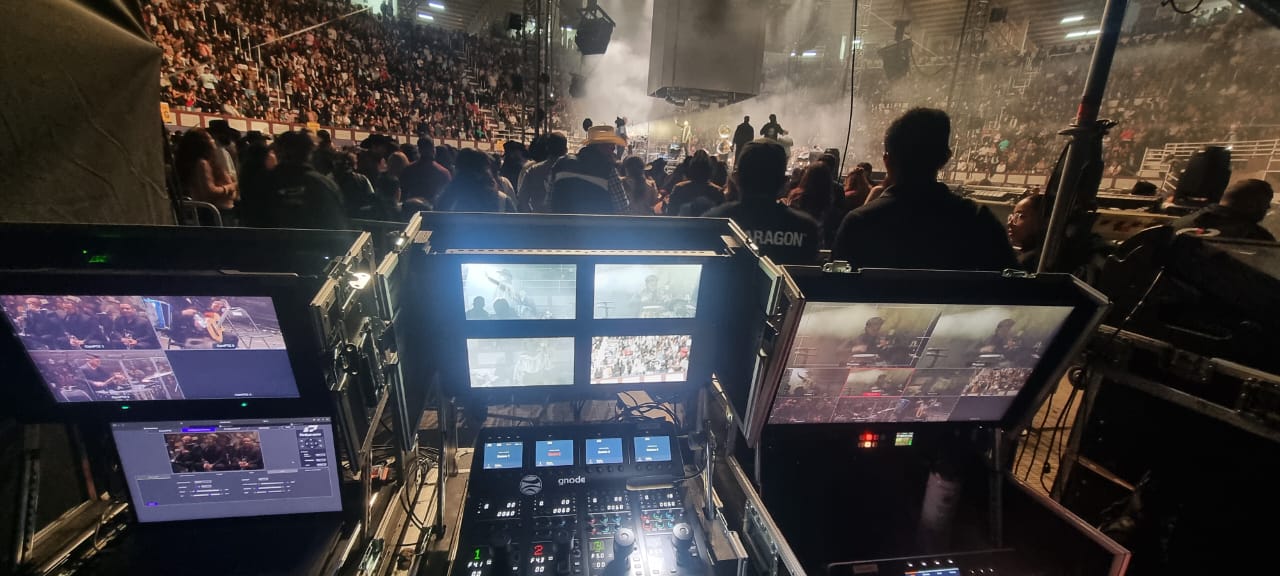
This is where 4K earns its place without much debate. When content is going onto large venue screens — the kind where front-row audience members are sitting close enough to see individual pixels if the resolution isn't high enough — 4K becomes a practical necessity, not just a preference. There's also a post-production advantage: a 4K master recording gives editors the ability to crop, reframe, or create the effect of multiple camera angles from a single wide shot, all without losing full HD quality in the final output. Implementing 4K at this scale requires solid infrastructure — single-cable 12G-SDI connections and proper signal synchronization across all cameras. Cameras like Telycam's Explore series support native 12G-SDI output, which simplifies the cabling side of that infrastructure significantly. For productions at this level, that kind of built-in capability is usually already part of the budget conversation.


3. Remote Education and Healthcare
The smartest approach here is a split workflow: capture locally in 4K where detail is critical, but distribute over the network in 1080p. In a surgical suite or a precision lab, 4K sensors allow operators to digitally zoom into fine details — suture work, small components, delicate procedures — without physically moving the camera or losing image quality. At the same time, pushing 4K over a hospital intranet or university network creates congestion that can affect everyone on the connection. The practical solution is to record the full 4K feed locally for archiving and detailed review, while streaming a compressed 1080p version for remote participants. Both audiences get what they actually need.

4. Houses of Worship and Corporate Meetings
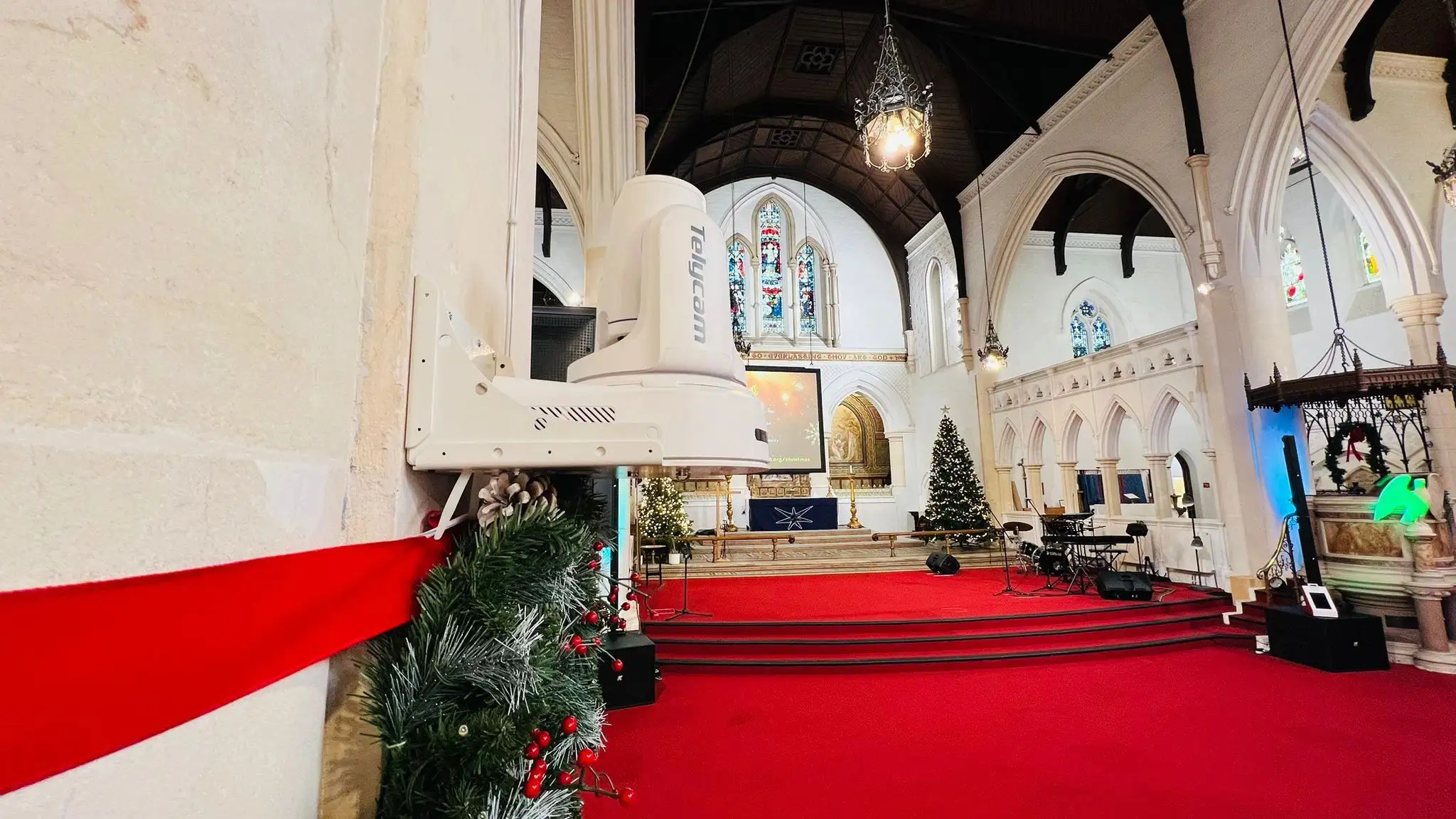
For weekly services, town halls, and standard corporate events, 1080p remains the most practical choice — and not just because of cost. The platforms most commonly used for this content, including YouTube Live, Zoom, and Microsoft Teams, cap or heavily compress streams well below 4K quality anyway, which means the extra resolution largely disappears before it reaches the viewer. On top of that, 4K footage generates roughly four times the storage of 1080p — around 40–50 GB per hour of raw recording — which adds up quickly for organizations producing content on a regular schedule. For small teams or volunteer-run productions, staying at 1080p keeps the workflow predictable, the storage manageable, and the technical demands within reach.
Should You Upgrade to 4K?
A Quick Decision Checklist
Before committing to a 4K workflow, it's important to understand that resolution alone does not determine system quality. A successful upgrade depends on how your content is viewed, how your system is built, and how much operational flexibility your team has.
Use the checklist below as a practical decision guide.
Your content and audience
4K only delivers visible value when the viewing environment can actually display that level of detail.
□ Will your content regularly appear on large screens — 65 inches or bigger — viewed at close range?
□ Does your audience watch on dedicated displays rather than phones or laptops?
□ Do you need to produce both horizontal and vertical versions of the same content?
□ Will the footage be archived for long-term use or repurposed years down the line?
If most answers are yes
The market demand and creative utility of 4K align with your current production goals.
Your infrastructure
Even if your cameras support 4K, your system must be able to transport, process, and store that data reliably.
□ Does your signal chain support single-cable 12G-SDI or high-bandwidth NDI for 4K60?
□ Are you still relying on quad-link 3G-SDI or already near the limit of your current network?
□ Can your editing system play back 4K smoothly without proxy workflows?
□ Are your switchers, capture devices, and monitors fully 4K-ready?
If any critical part is not ready
Infrastructure bottlenecks will cause production delays and increased operational costs.
Your budget and team
A 4K upgrade affects far more than just cameras — it impacts storage, processing, and operational complexity.
□ Do you have storage capacity for files roughly four times larger than 1080p?
□ After infrastructure upgrades, is there still budget for lighting, audio, and production quality improvements?
□ Can your team comfortably manage a more demanding workflow without increasing failure risk?
If the upgrade compromises other production areas
A resolution increase is never worth a decrease in lighting quality, sound production, or storytelling depth.
The Bottom Line
Telycam's camera lineup is built around this same distinction. The Drive series is a 1080p-focused entry-level line, well suited to budget-conscious deployments where HD output and reliable distribution matter more than maximum resolution — churches, classrooms, and small conference rooms fall squarely into this category.
For productions that need 4K, the Explore series and the Vision+ 4KN / Vision+ 4KZ models provide native 4K output, suited to the large-screen delivery, post-production crop flexibility, and broadcast-grade requirements covered earlier in this guide.
Whichever resolution your workflow calls for, the deciding factor should be the production requirement — not the spec sheet.
FAQ
Conclusion
The 4K vs. 1080p decision often looks straightforward on paper — more pixels should mean better quality. In practice, it is a systems-level trade-off, where resolution is only one of several variables shaping the final result.
Bitrate, frame rate, network conditions, platform constraints, and viewing environment all contribute to what the audience actually perceives. In many real-world cases, a well-optimized 1080p workflow will outperform a poorly supported 4K pipeline simply because the rest of the system cannot sustain the additional load.
That said, 4K is not an abstract upgrade. In the right context — large displays, multi-format delivery, or post-production workflows that depend on cropping and reframing — it provides real operational advantages that 1080p cannot match.
The most reliable approach is to work backwards: start from the viewing context, map it to your infrastructure constraints, and choose the resolution that fits the system as a whole — not just the specification on the camera.