
Streamline Corporate AV by Integrating Telycam with Q-SYS
Unlock the full potential of your Telycam Explore, Explore SE, Vision+, and Drive+ series cameras with the newly developed Q-SYS Designer plugin.
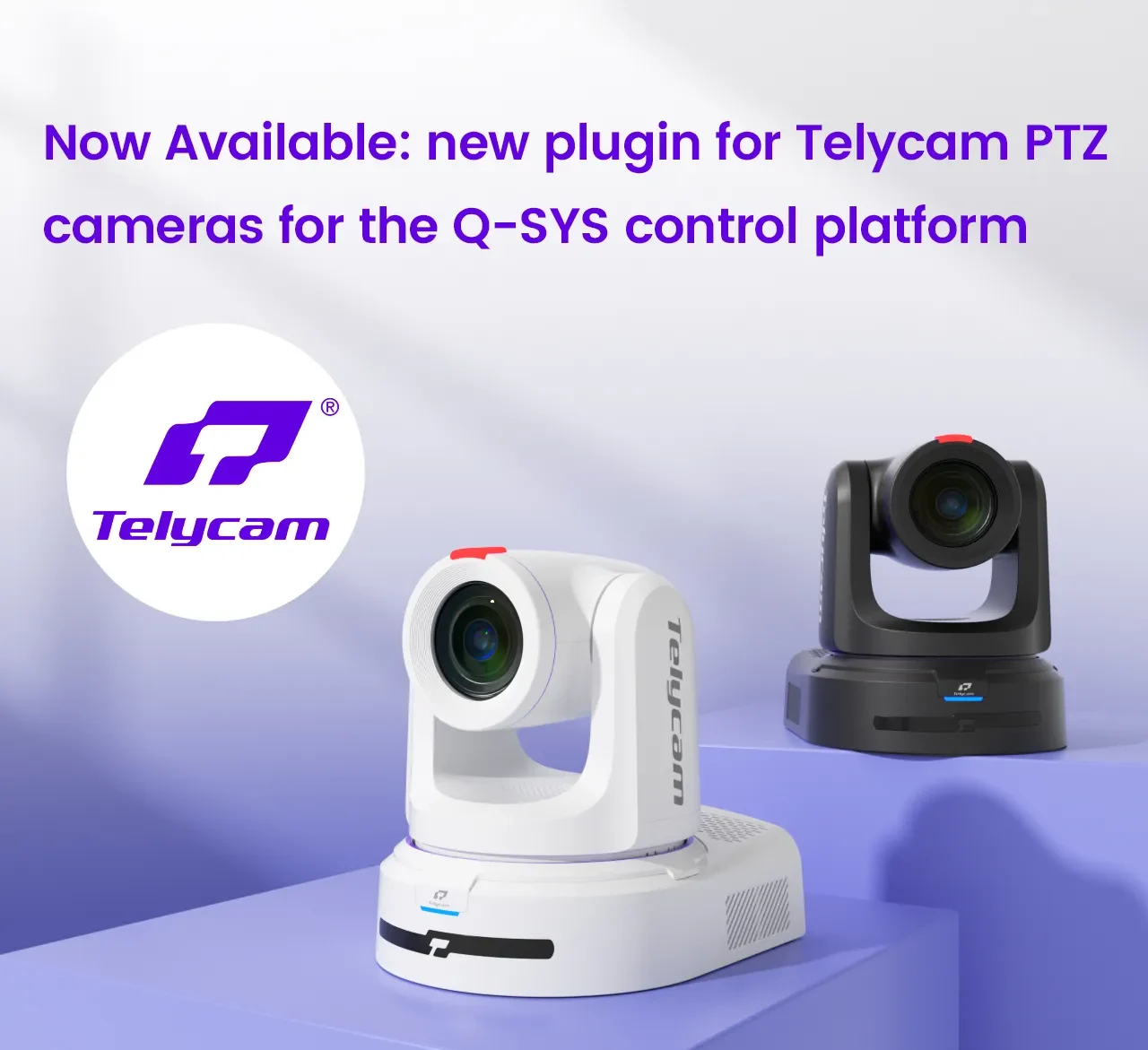
Designed specifically for corporate environments, this powerful plugin allows you to easily integrate and control your Telycam cameras through the Q-SYS control platform, streamlining video production and conferencing with unmatched precision and ease.
Key Features of the Telycam Q-SYS Plugin:
- Comprehensive Camera Control: Utilizes VISCA over IP for full PTZ control, allowing adjustments to pan, tilt, zoom, and focus with speed settings.
- Auto-Tracking Customization: Enable or disable auto-tracking directly from the Q-SYS interface, allowing you to adjust tracking target scaling, position, switching, pan and tilt limits, and board area, including tilt lock and scaling ratio lock.
- Custom Preset Management: Access up to 64 presets quickly and navigate easily through your recently used options.
- Picture Settings: Quick access to picture settings, including white balance, exposure, and Genlock.
- Video and Audio Control: The ‘Video Encode’ section provides settings for encoding mode, resolution, bit rate, etc. The ‘Audio’ section includes options for enabling/disabling audio, mic/line selection, phantom power, and volume adjustments.
How to Get and Set Up the Telycam Q-SYS Plugin
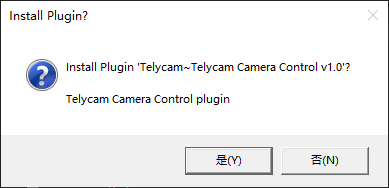
1. Download the Plugin: Download the Telycam Camera Control Q-SYS Plugin. Double-click the TelycamCamera.qplugx file on a Windows computer with Q-SYS Designer already installed.
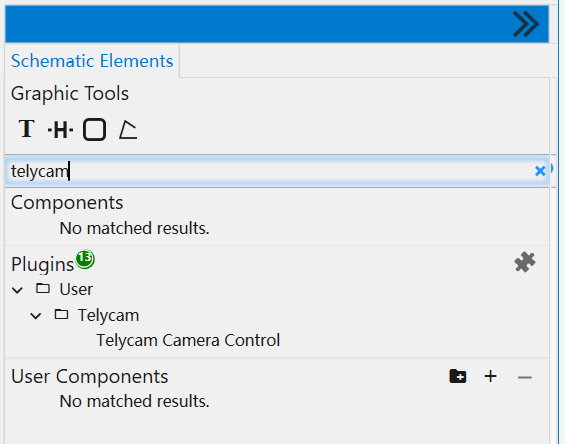
2. Locate the Plugin: After installation, find the plugin in the “User” folder of the “Plugins” section in the bottom right corner of Q-SYS Designer.
3. Add to Q-SYS Design: Once added, select the plugin to view its properties in the top right corner of the Q-SYS Designer.
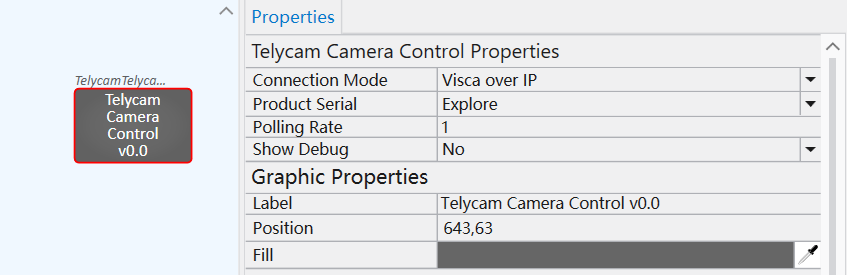
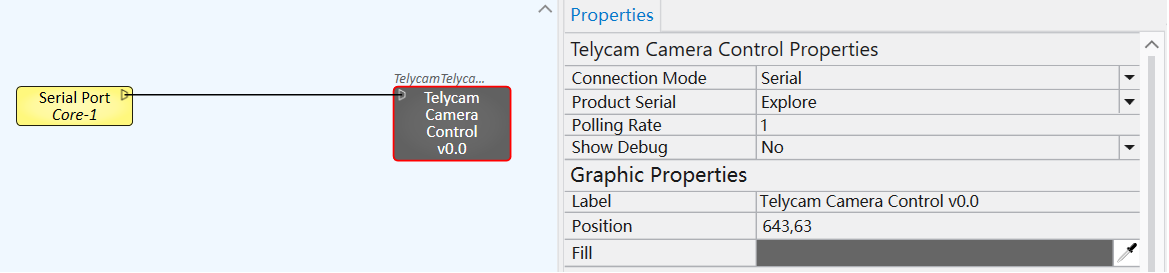
4. Connection Type: Choose the communication mode: ‘Visca over IP’ or ‘Serial.’ If ‘Serial’ is selected, a triangular symbol will appear on the left side of the plugin for connecting to a physical serial port on the core.
5. Support
For detailed setup instructions, click here to download the guide. If you have any questions or concerns about this plugin, please reach out to support@telycam.com.
The Q-SYS plugin is an excellent solution for integrating Telycam cameras into corporate offices and conference rooms, allowing users to control the cameras within Q-SYS just as they would through the Telycam WebUI.
Start today and streamline your corporate video workflows with the Telycam Q-SYS Plugin!
Contact Telycam
Sales Inquiries
sales@telycam.com
Call Us
+86-755-33275155