
Auto Tracking PTZ Cameras
How They Work and Where They Actually Make Sense
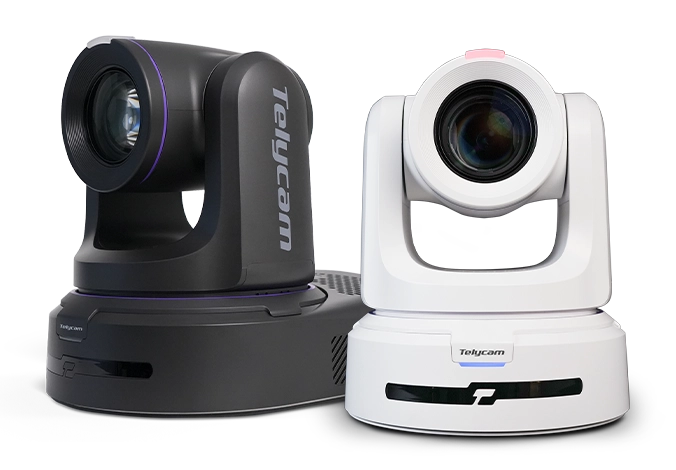
Running a production with a small team often means one person juggling multiple responsibilities — switching cameras, managing audio, and keeping the entire show on track. In environments such as lecture halls, houses of worship, corporate studios, and hybrid meeting spaces, hiring dedicated camera operators is not always practical.
This is where auto tracking PTZ cameras come in. By automatically following a subject and adjusting framing in real time, they help reduce operational workload while maintaining a professional-looking shot. For many organizations, they have become a practical way to improve production quality without expanding the crew.
But auto tracking is not a one-size-fits-all solution. Some systems deliver smooth, natural camera movement, while others can feel robotic or unreliable. In this guide, we'll explore how auto tracking PTZ cameras actually work, what separates good tracking from bad tracking, and the production environments where they make the most sense.
What Is an Auto Tracking PTZ Camera?
An auto tracking PTZ camera — sometimes referred to as an auto follow PTZ camera — is a pan-tilt-zoom camera system that uses onboard artificial intelligence to detect, follow, and frame a moving subject without manual operator input.
Where a conventional PTZ camera requires a human operator to control movement and composition in real time, an auto tracking system makes those decisions autonomously. It identifies a subject within the frame, determines where that subject should be positioned compositionally, and drives the pan, tilt, and zoom motors to maintain that framing as the subject moves.
The distinction is not simply a matter of automation. It represents a fundamental shift in how the camera functions — from a remotely controlled instrument that responds to operator commands, to an active participant in the production that interprets motion and makes framing decisions independently.
This shift carries both significant advantages and meaningful limitations, both of which depend heavily on how the underlying tracking system is designed and how well it matches the demands of the production environment.
How Auto Tracking Actually Works?
Understanding why auto tracking footage looks the way it does — fluid and intentional in some systems, mechanical and erratic in others — requires a working knowledge of the core components that drive the tracking pipeline. Each stage of the system contributes to the final result, and a weakness at any one point affects everything downstream.
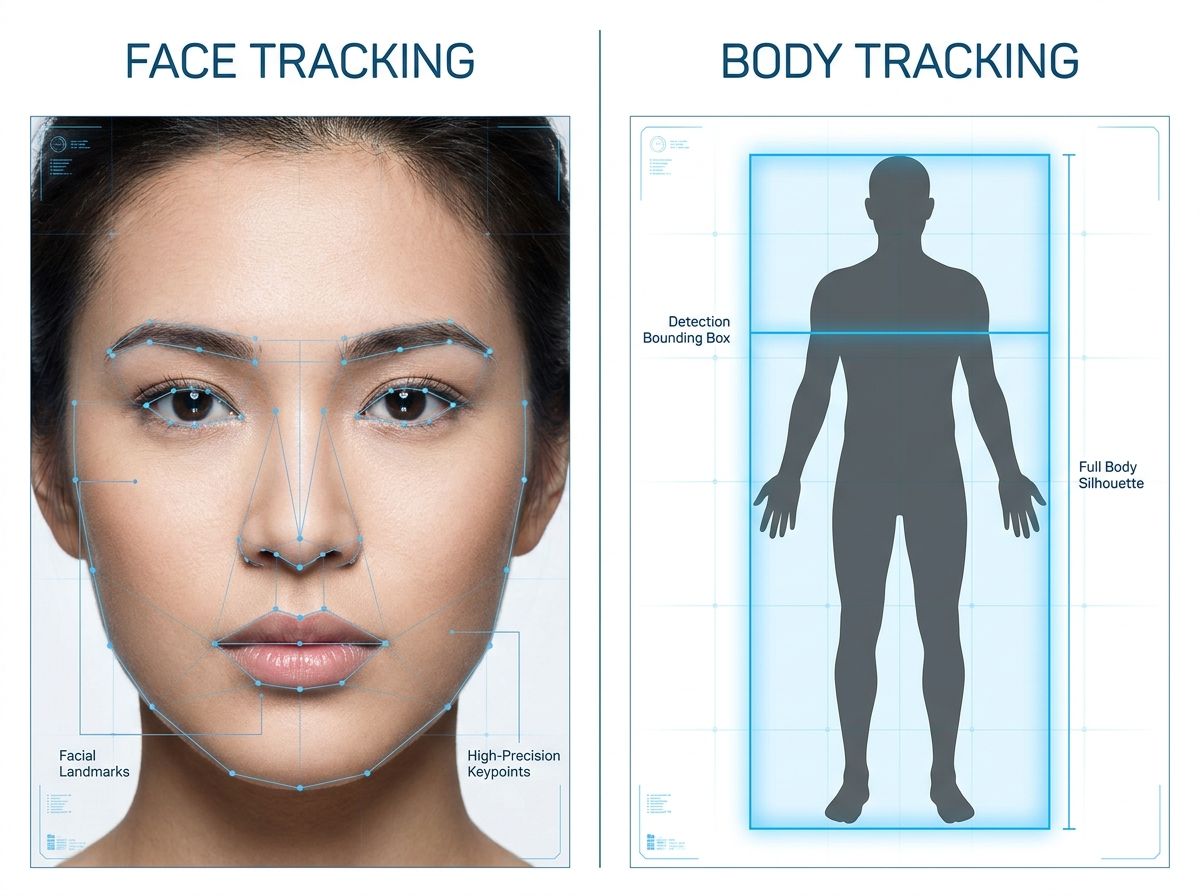
Subject Detection: Face Tracking vs. Body Tracking
The first task of any auto tracking system is identifying what to follow. Most modern auto tracking PTZ cameras offer two primary detection modes: face tracking and body tracking, each with distinct behavioral characteristics.
Face tracking delivers higher compositional precision. Because facial geometry is a well-defined detection target, the system can anchor framing to a specific individual with relatively high confidence. However, it is also more easily disrupted — a subject who turns away from the camera, moves into shadow, or is partially occluded by another person can cause the detection to drop entirely.
Body tracking operates on a larger detection envelope, making it more robust in environments where the subject frequently changes orientation or moves through a cluttered frame. The tradeoff is reduced framing accuracy, particularly when multiple people are present and the system must determine which body to prioritize.
In practice, many deployments benefit from running both modes in combination, using face detection as the primary anchor and falling back to body detection when facial data is unavailable.
Framing Logic and the Framing Zone
Once a subject is detected, the system must decide where to place that subject within the frame. This is governed by what is commonly referred to as the framing zone — a defined region of the image where the system attempts to keep the subject positioned.
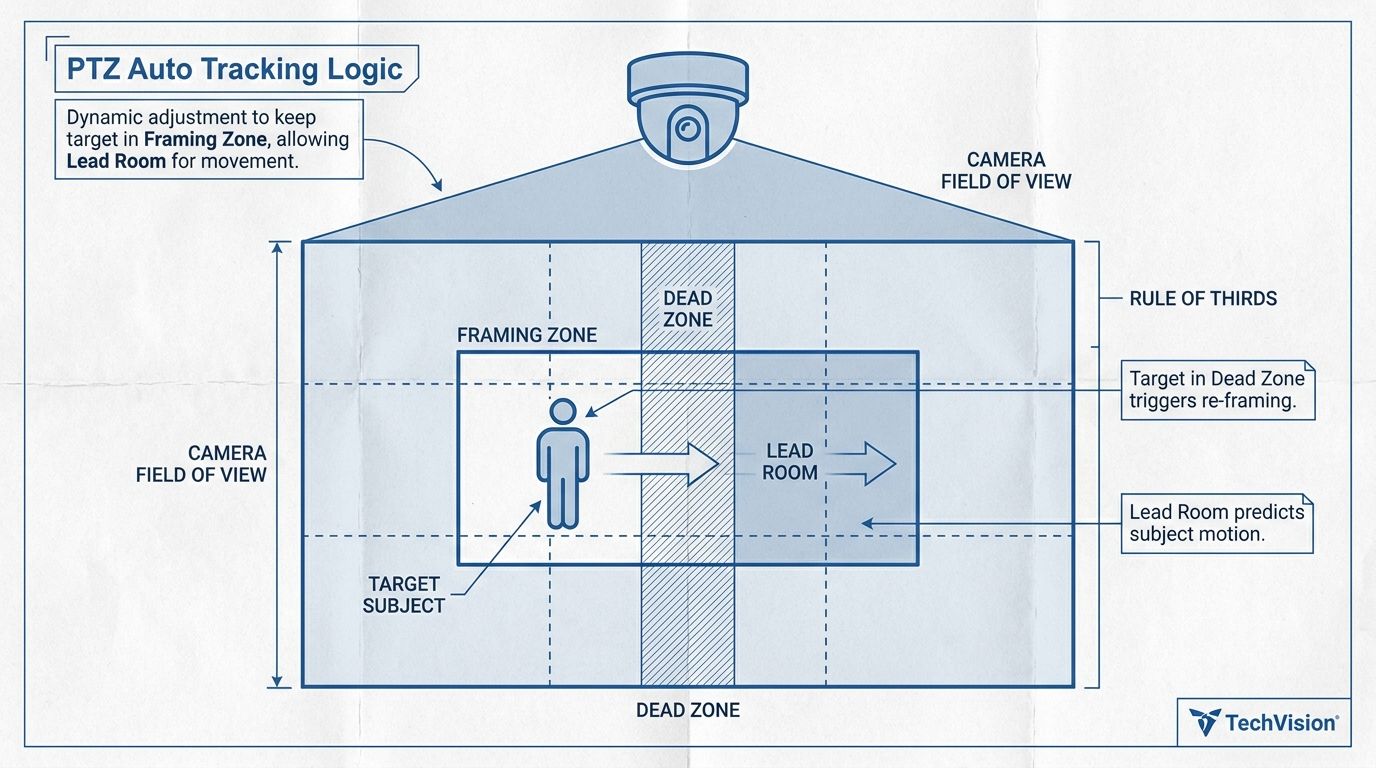
A well-configured framing zone does not simply center the subject. It accounts for compositional principles such as the rule of thirds, leaving space in the direction the subject is facing or moving. The camera only drives its motors when the subject moves outside this zone, which prevents constant micro-adjustments and produces more stable, watchable footage.The configurability of the framing zone is one of the most significant differentiators between consumer-grade and professional auto tracking systems.
Movement Prediction
A tracking system that only reacts after a subject moves will always feel slightly behind. To create smoother and more natural camera movement, advanced auto tracking systems analyze a subject's speed and direction to predict where they are heading next. By anticipating movement rather than simply responding to it, the camera can maintain more consistent framing and avoid the constant corrective adjustments that make tracking appear mechanical.
The Zoom Challenge
Zoom is one of the most demanding aspects of auto tracking. As focal length increases, even small camera movements become more noticeable, making tracking appear unstable if pan and tilt speeds are not properly controlled. Advanced tracking systems compensate by slowing camera movement at higher zoom levels and continuously adjusting magnification to maintain consistent subject framing. The result is smoother tracking, more stable composition, and a viewing experience that feels intentional rather than reactive.
Subject Re-identification
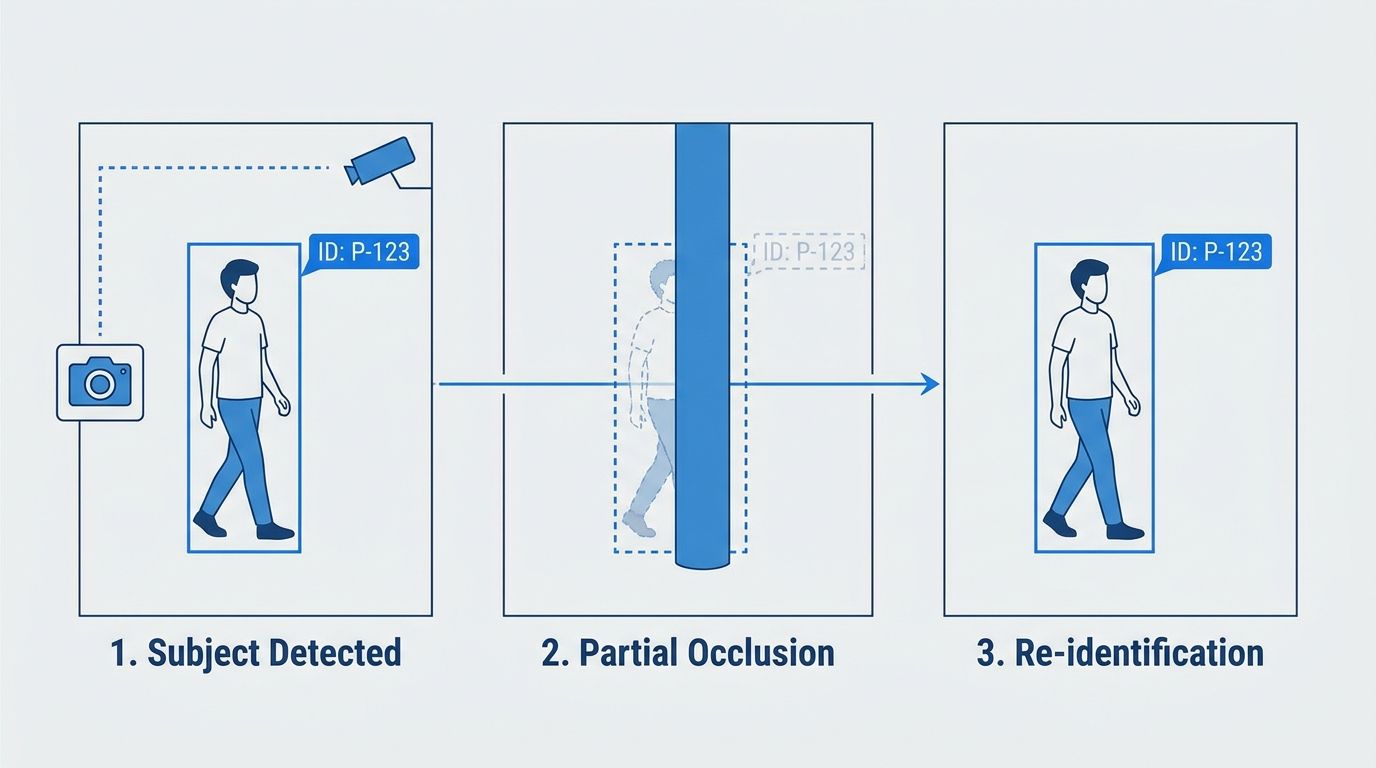
In real production environments, subjects temporarily disappear from frame — stepping behind a lectern, moving past another person, or walking briefly out of shot. When this happens, a poorly designed system will either lock onto a different subject or begin searching the frame indiscriminately.Re-identification logic allows the system to maintain a model of the target subject and re-acquire them when they reappear, without switching to an unintended target. The speed and reliability of this re-acquisition is a critical factor in production environments where subject continuity matters.
See It in Action: Telycam Auto Tracking Demo
Understanding how auto tracking works is one thing. Seeing it perform in a real production environment is another. The examples below highlight how modern auto tracking PTZ cameras handle subject movement, tracking boundaries, and framing stability in practical deployment scenarios.
Classroom Tracking in Action
Education is one of the most common use cases for auto tracking. In this demonstration, the instructor moves freely between the podium, classroom floor, and student seating area, while the camera continuously maintains tracking without manual intervention.
As you watch, pay attention to how the camera follows the instructor through different movement patterns, including interactions with students and transitions between teaching positions. The goal is not simply to keep the subject in frame, but to maintain stable and usable composition throughout the lesson.
Advanced Tracking Controls
Not all production environments are the same. Features such as PT Limit, Dual Board Areas, Scaling Ratio Lock, and Tilt Lock allow operators to customize how the tracking system behaves within a specific space.
These controls help define tracking boundaries, prioritize presentation areas, and maintain smoother camera movement, making them particularly useful in classrooms, training rooms, and larger presentation venues where tracking requirements can vary significantly.
Latest Auto Tracking Performance
Our auto tracking technology continues to evolve with each generation. This demo highlights the latest improvements in tracking smoothness, framing stability, and overall camera behavior — delivering a more natural and professional viewing experience.
See the latest results in action.
Precision Benchmark: Good vs. Bad Tracking
Basic Tracking
Jerky Start/Stop
Movement only begins after subject reaches the screen edge.
Subject Hunting
Camera constantly micro-adjusts (vibrates) when the subject is still.
Lost Lock
Tracking breaks immediately if subject is briefly obscured by another person.
Advanced AI Tracking
S-Curve Motion
Smooth acceleration and deceleration mimicking a human hand.
Dead-Zone Logic
Subject stays stable within a defined center zone before tracking engages.
Multi-Target Re-ID
Continuously tracks the primary ID even in crowded environments.
Real-World Scenarios Where Auto Tracking Makes Sense
Auto tracking PTZ cameras do not perform equally across all environments. The scenarios where they deliver consistent, production-ready results share a common set of conditions: a defined subject operating range, a relatively controlled background, and a production context where compositional consistency matters more than dynamic creative control. The following use cases represent the environments where auto tracking has demonstrated reliable, repeatable value.
Education and Lecture Capture
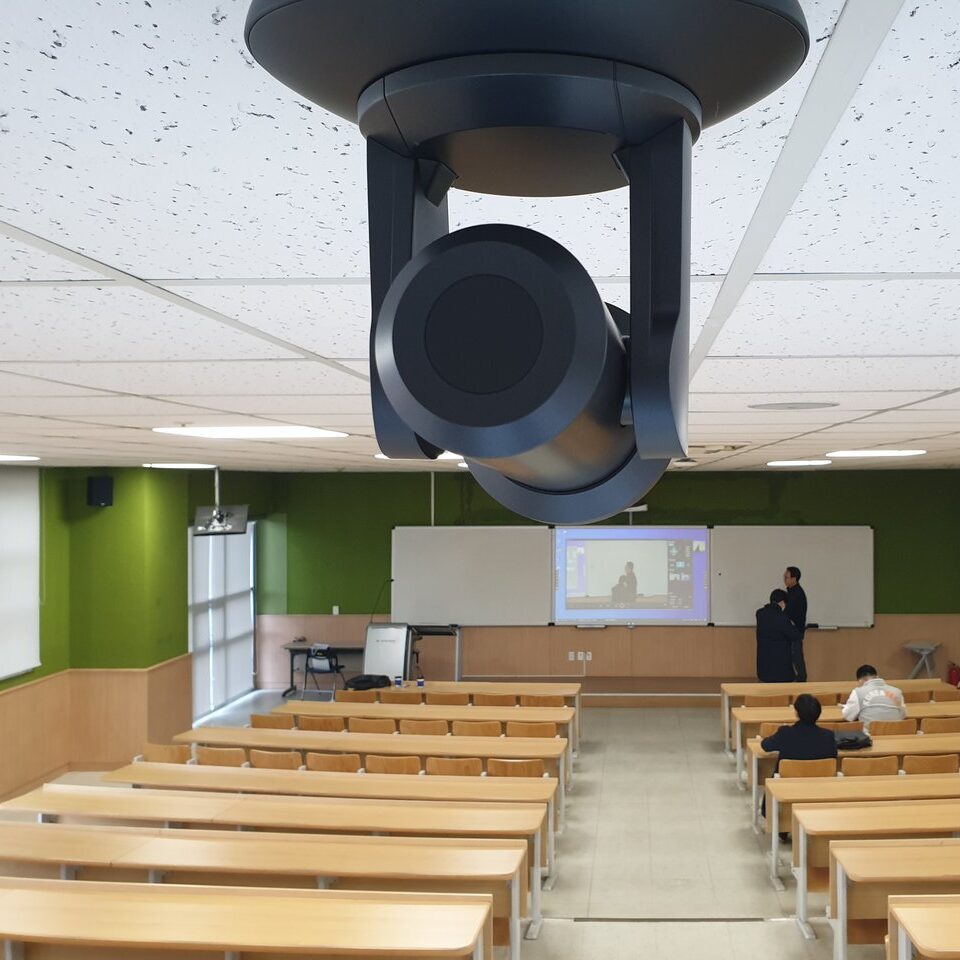
Lecture capture is the closest thing to an ideal operating environment for auto tracking. The subject — typically a single instructor — moves within a predictable lateral range at the front of the room. The background is static. Lighting is controlled. The camera angle and subject distance are fixed by the room's architecture.
In this context, auto tracking eliminates the need for a dedicated camera operator across every class session, while maintaining the framing consistency that makes recorded lectures usable for students reviewing content after the fact. The system's movement prediction handles the instructor's natural pacing behavior without visible lag, and the fixed focal length established by the Target Tracking Ratio holds throughout the session.on and Lecture Capture
House of Worship
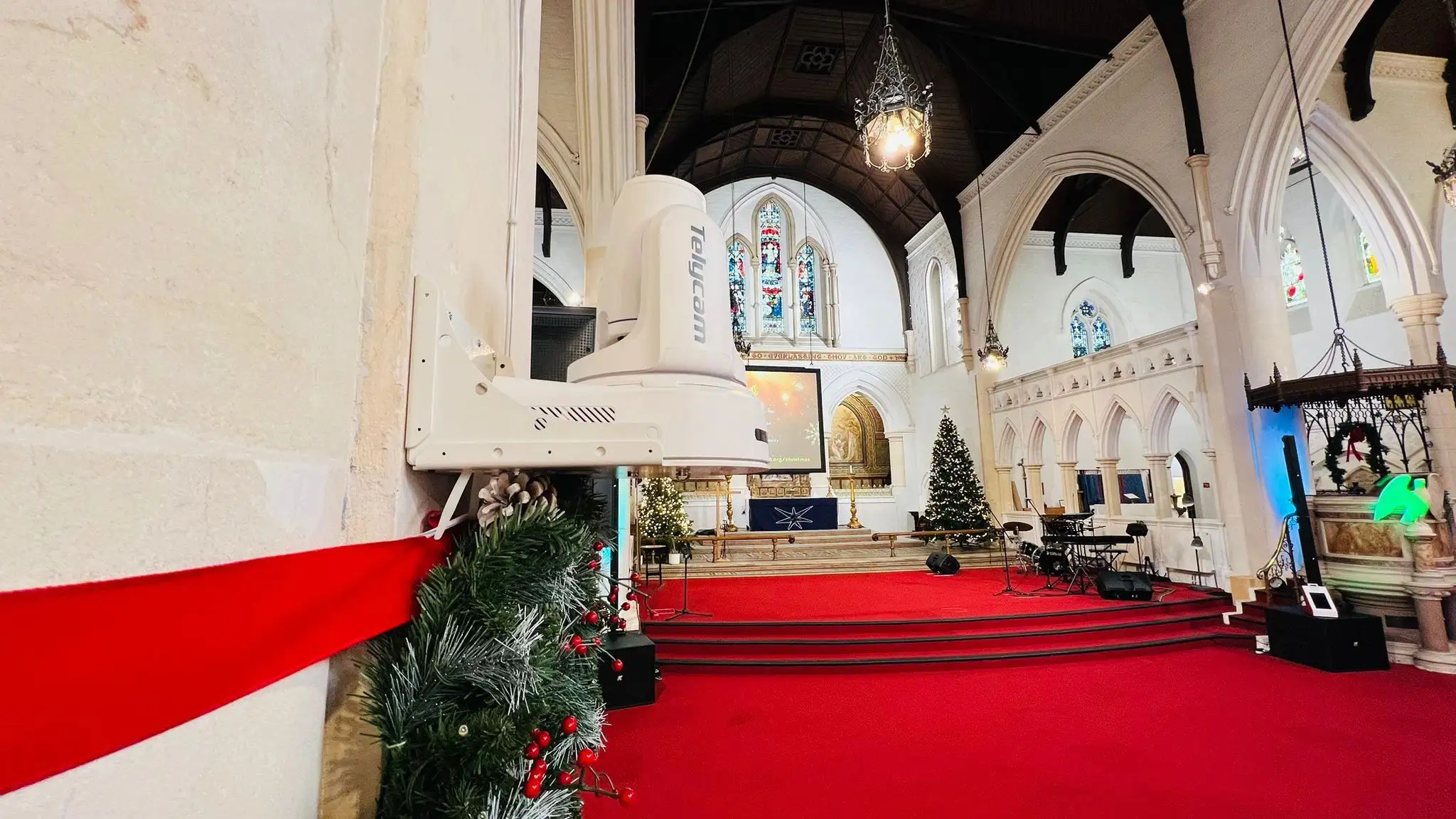
Houses of worship represent one of the largest and most established deployment categories for auto tracking PTZ cameras. The production requirements align closely with the technology's strengths: a single primary subject at a defined position, a structured program format with predictable transitions, and a congregation that expects visual consistency across weekly services.
The practical value in this context extends beyond operator reduction. Many worship communities produce both live streams and archived recordings simultaneously, often with volunteer production teams who cannot dedicate full attention to camera operation during a service. Auto tracking allows those volunteers to focus on audio, graphics, and switching while the camera handles subject framing autonomously.
Corporate Presentation and Training Rooms
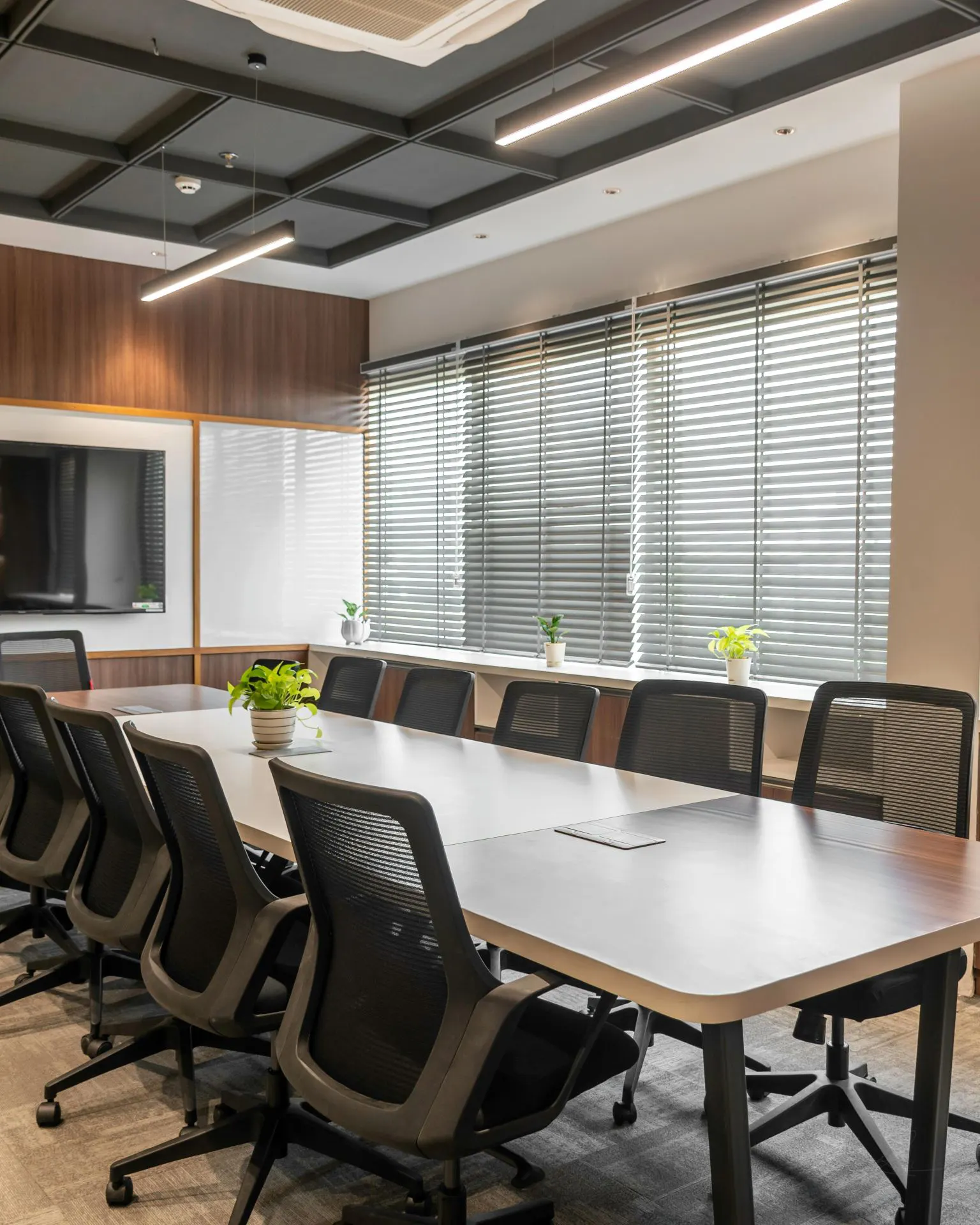
Conference rooms, training facilities, and executive briefing centers share a production profile similar to lecture capture: single or limited subjects, controlled environments, and a need for consistent recorded output without dedicated production staff.
Auto tracking in these environments is typically deployed as part of a broader AV integration — the camera operates as one input in a room system that includes audio DSP, display control, and in some cases automated switching. In this context, tracking reliability and system integration matter more than advanced compositional features, since the footage is most often used for internal training distribution or compliance documentation rather than public-facing broadcast.
Hybrid Meeting
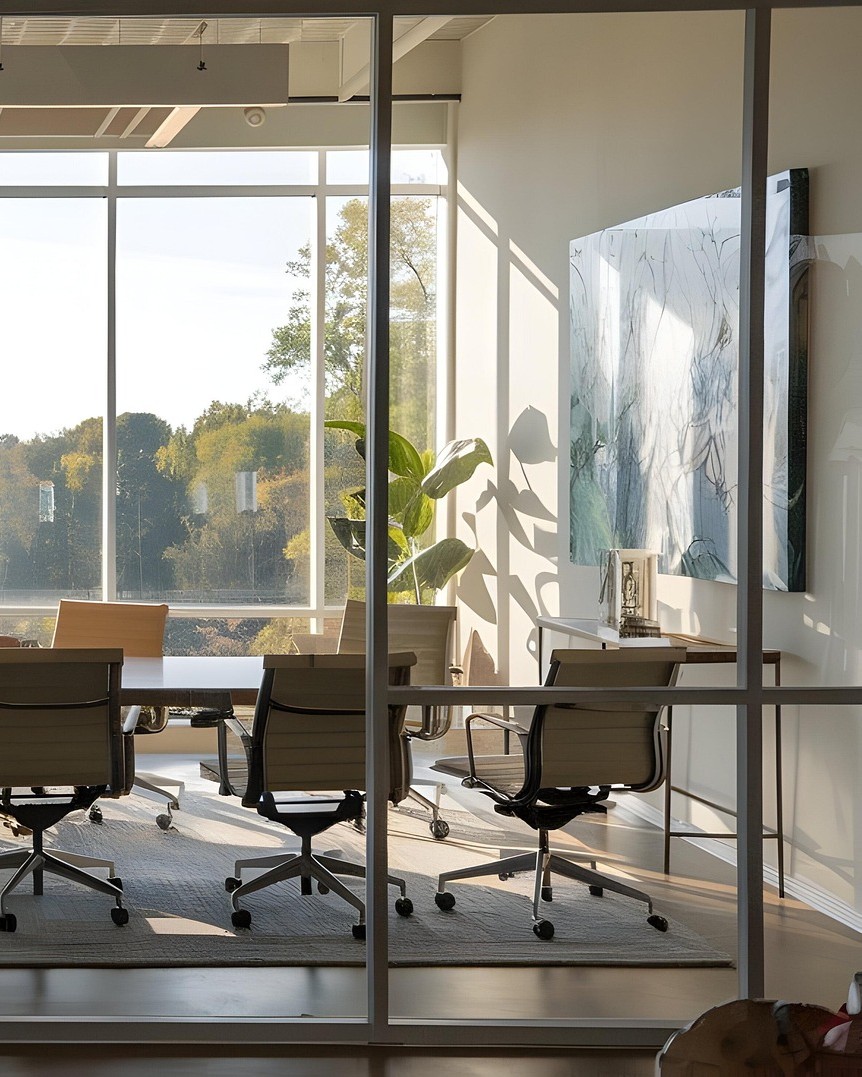
Hybrid meeting environments introduce a specific and well-defined problem: remote participants cannot see who is speaking unless the camera actively frames the active speaker. Auto tracking addresses this directly by following the speaking participant around the room without requiring a human operator to manage camera positioning during the meeting itself.
The key performance requirement in hybrid meeting contexts is re-identification speed — the ability to re-acquire a subject who stands up, moves to a whiteboard, or changes position relative to other meeting participants. Systems with strong re-identification logic maintain speaker continuity without the disorienting cuts that occur when tracking briefly loses and then reacquires a target.
Solo Live Streaming
For individual content creators producing regular live content without production support, auto tracking removes the single most significant operational barrier: the need for another person behind the camera. A solo streamer can move freely within their setup — stepping to a demonstration area, gesturing broadly, moving closer to the lens for emphasis — while the camera maintains consistent framing throughout.
Government and Healthcare Training
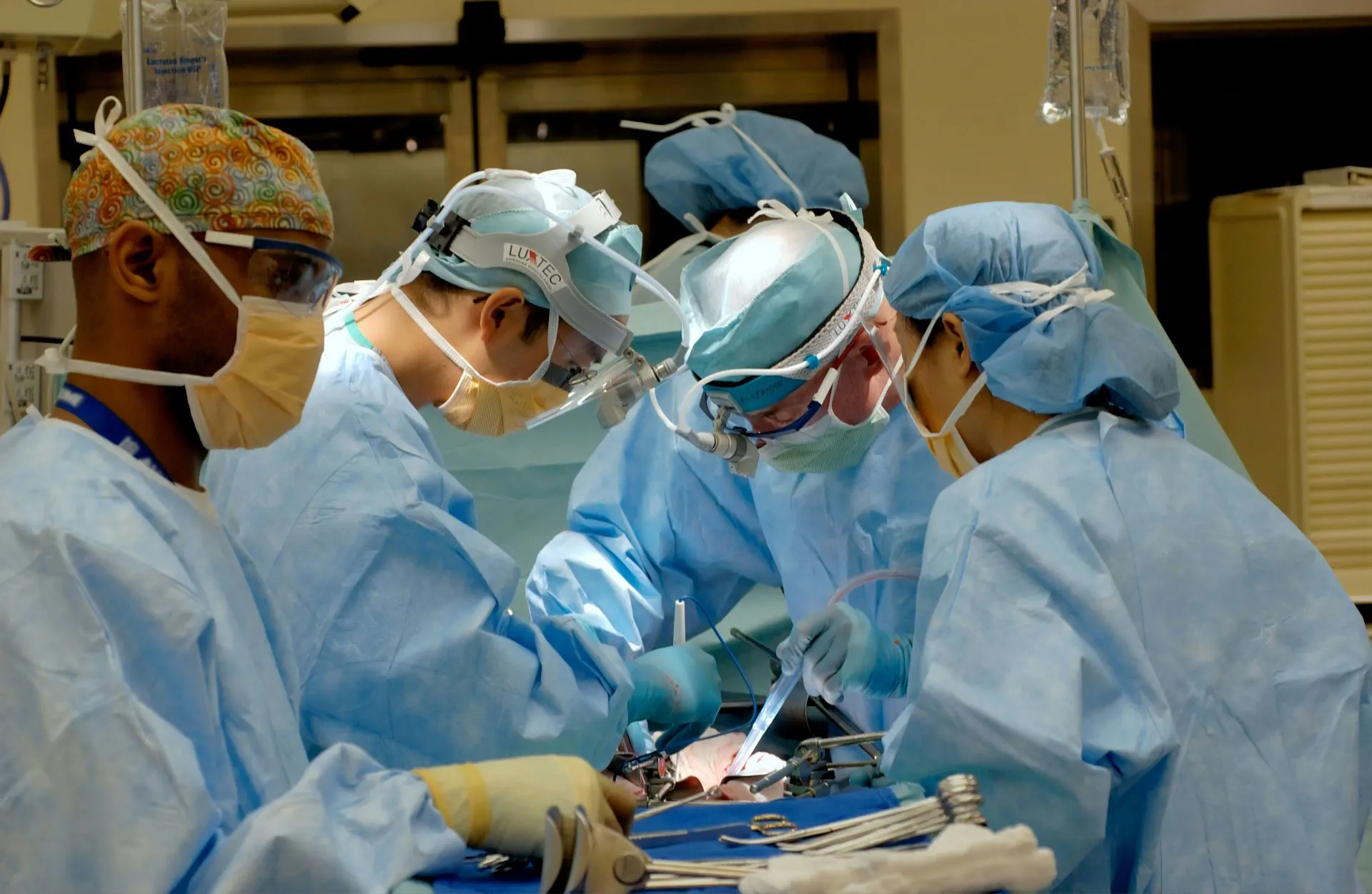
Fixed-environment recording for compliance, certification, and procedural training represents a deployment context where auto tracking's consistency is its primary value. The footage does not need to be cinematically compelling — it needs to be complete, reliable, and produced at scale without significant per-session labor.
When Auto Tracking Is Not the Right Choice
Auto tracking PTZ cameras can be highly effective in the right environment, but they are not the ideal solution for every production. Understanding these limitations is just as important as understanding the technology itself.
Fast-Moving Sports
Auto tracking works best with predictable human movement. In fast-paced sports, subjects can move faster than the tracking system can reliably follow, leading to missed framing and inconsistent results.
Multi-Person Discussions and Performances
When multiple people share the stage, the camera must decide who to follow. While modern systems can prioritize subjects, they cannot always match the editorial judgment of a human operator or director.
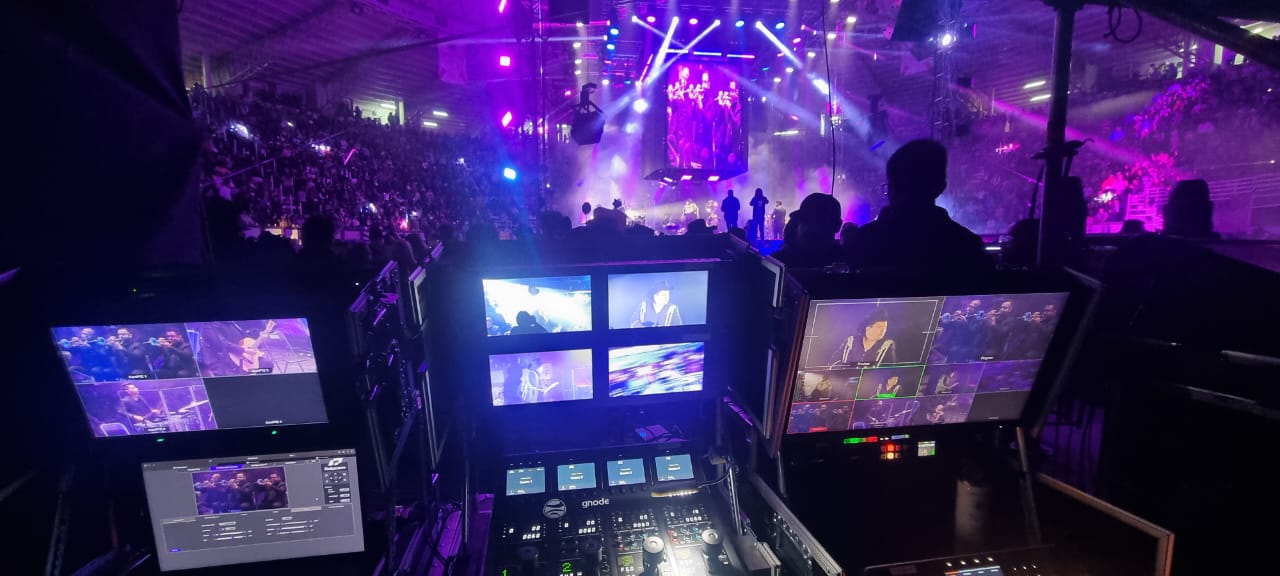
Concerts and Complex Lighting Environments
Rapid lighting changes, strobe effects, and dramatic color shifts can interfere with subject detection. In these situations, tracking performance may become less reliable than in controlled environments.
Productions That Require Creative Camera Decisions
Auto tracking is designed to maintain framing, not tell a story. For documentaries, narrative productions, and events that require deliberate shot selection, a skilled camera operator remains the better choice.
Auto tracking delivers the best results when there is a single primary subject, predictable movement, and a controlled environment. Used within those conditions, it can significantly reduce production workload. Outside of them, human operators still provide a level of judgment and creative control that automation cannot replace.
Conclusion
Auto tracking PTZ cameras are not meant to replace skilled camera operators in every scenario, but they excel at delivering consistent, professional coverage with minimal intervention. In environments like classrooms, houses of worship, corporate presentations, and hybrid meetings, they simplify workflows while keeping results reliable and natural.
Telycam’s Vision and Explore series both offer models with native auto tracking, built around the same smoothing and framing technologies discussed in this guide.
The best auto tracking is the kind your audience never notices — seamlessly supporting your production while keeping the focus where it belongs: on the content.